What's new in ClickUp: Task Types in Views, Pin AI Notetaker, updates to Gantt view exports, and more!
Get link
Facebook
X
Pinterest
Email
Other Apps
ClickUp Email
This week’s release lets you update task types directly from your views, send AI Notetaker to any meeting with just a link, and export Gantt charts for just the date range that matters.
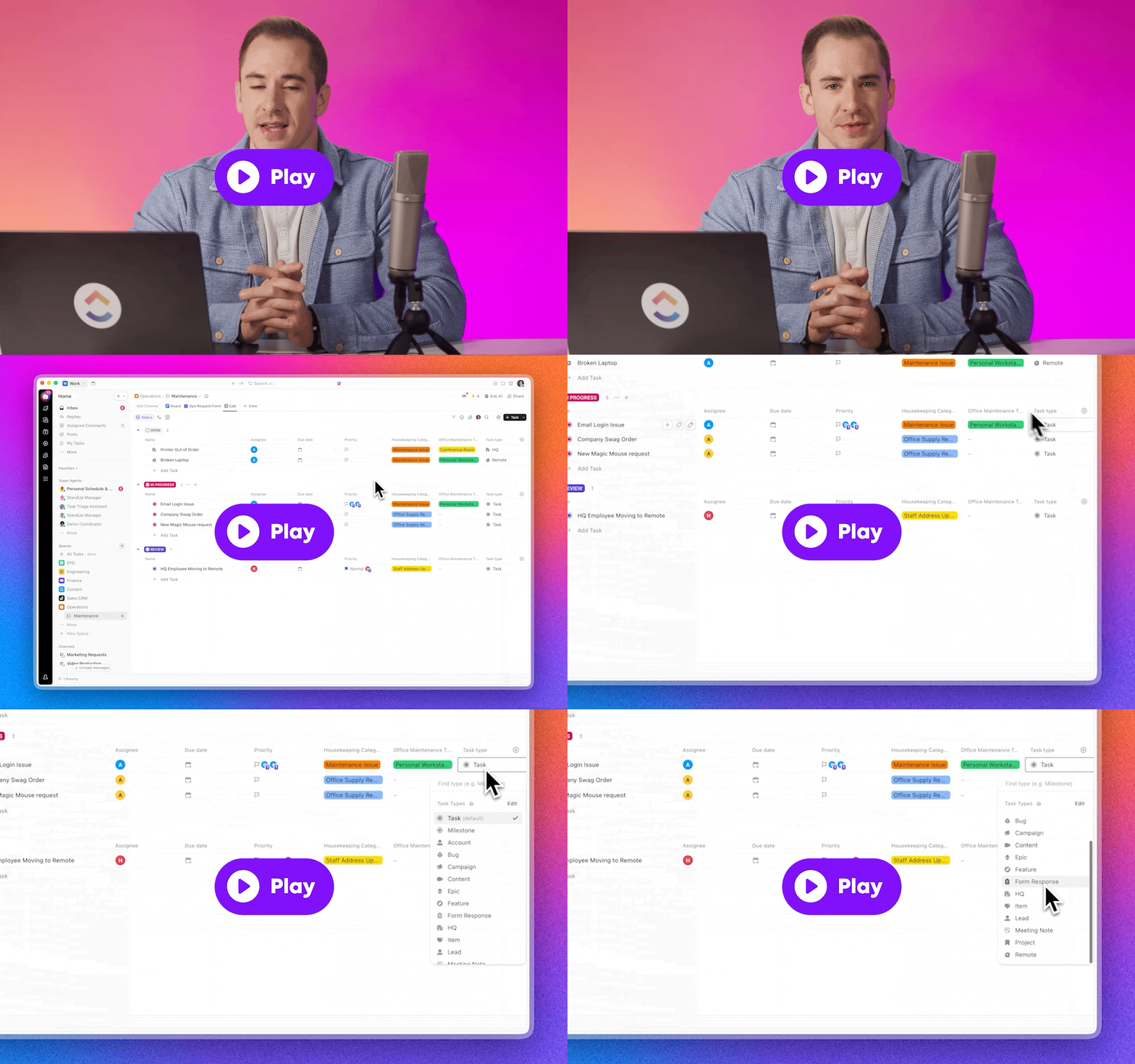
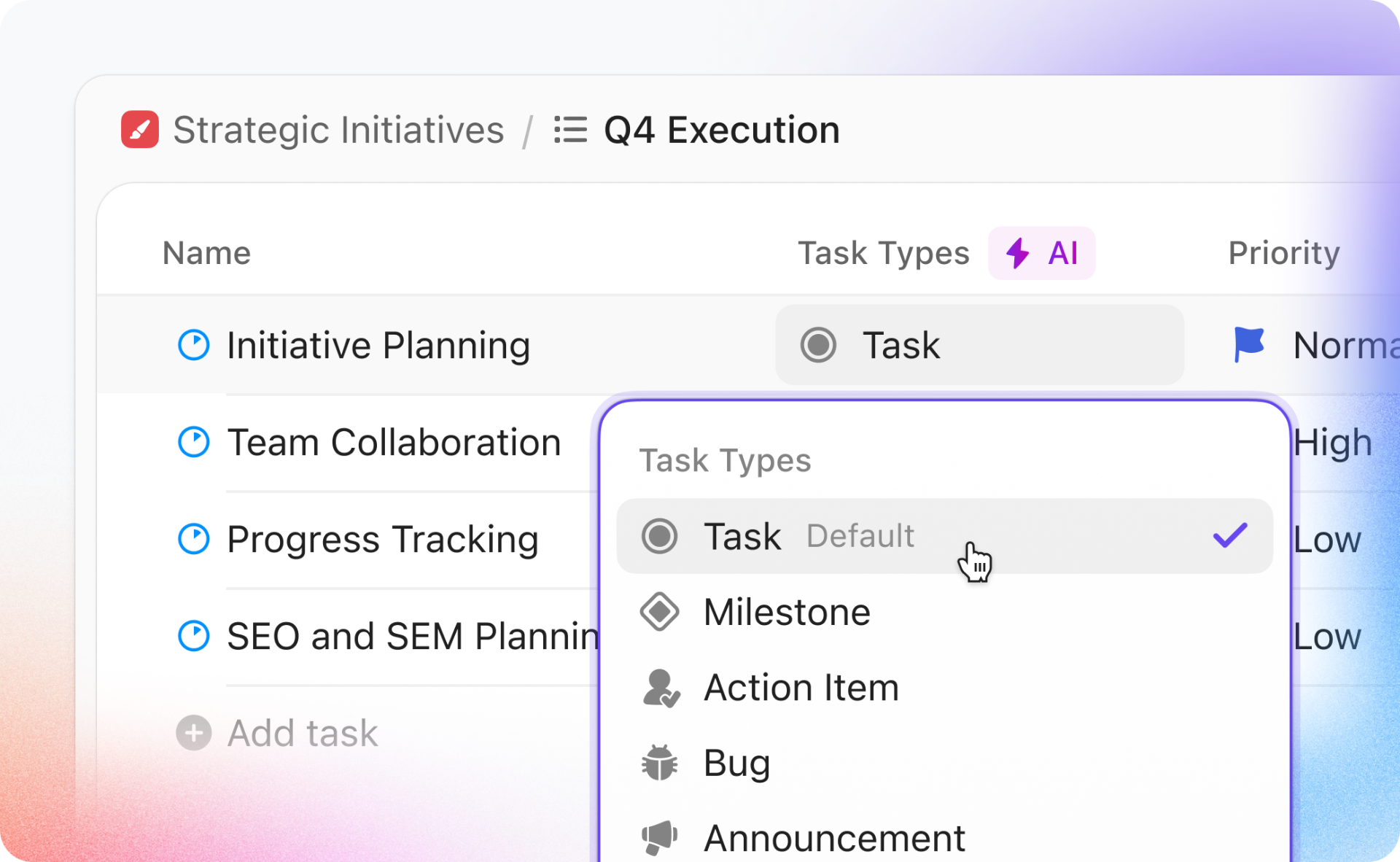
Quickly see and edit task types directly from List and Table views. Group by task type to understand what kind of work you’re dealing with, from bugs to follow-ups, and let AI auto-classify tasks so your data stays clean without constant manual categorizing.
Send AI Notetaker to Any Meeting, Anytime
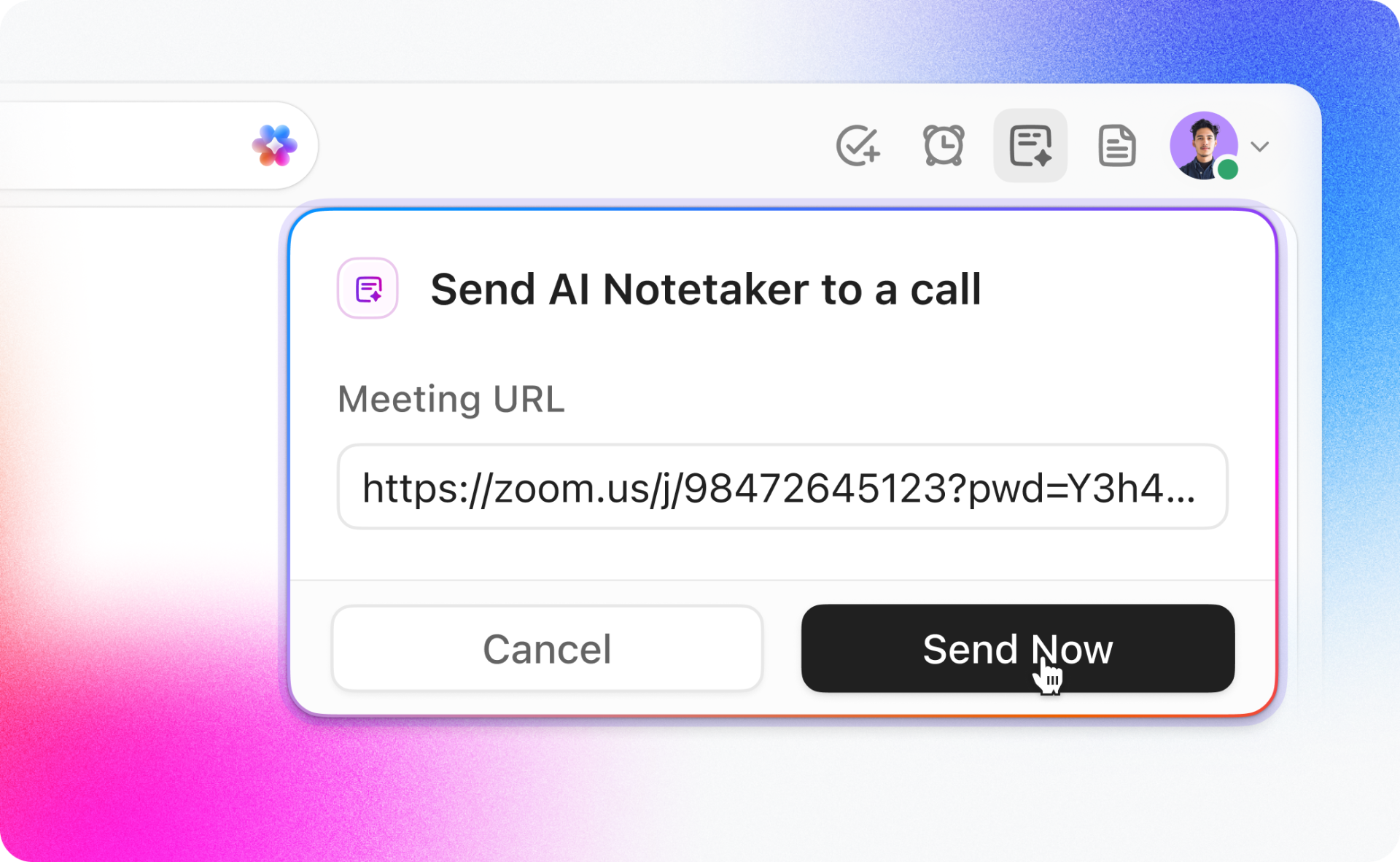
Now you can send AI Notetaker to any call with just a link! This is especially helpful with ad-hoc meetings that aren't on your calendar. Plus, pin the AI Notetaker to the top of your Workspace so it's always one click away.
Gantt Charts: Export with Date Ranges
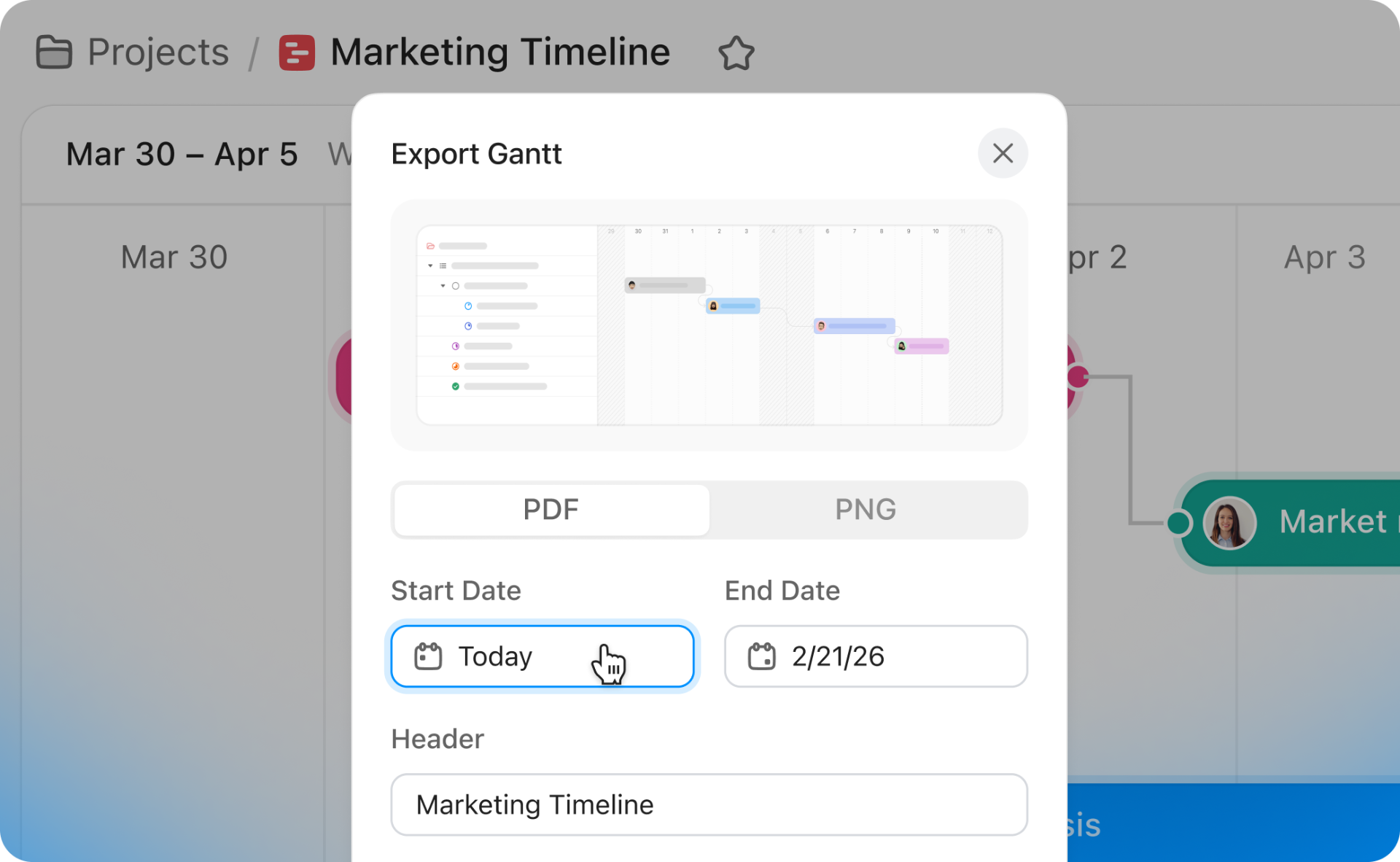
Choose a start and end date when exporting your Gantt view to PDF or PNG so you only share the slice of the timeline that matters, with the right level of detail for each audience.
Help Us Build ClickUp
Check out the exciting features we're working on here, and explore our upcoming features by joining one of our open Beta programs!
My learnings from Davos
I just got back from Davos. For all its polish, the conversations were very real.
A Message from Andrew Feldman, Founder and CEO
Greetings friends and supporters. It's Andrew.
From now on, I'm going to send you the occasional email when I have something worth sharing.
I just got back from Davos. For all its polish, the conversations were very real.
In side rooms and late dinners, global leaders kept c...
Viva Las Cerebras! A special offer for AWS re:Invent
Join us for exclusive offers and events
Headed to AWS re:Invent in Las Vegas, December 1–5? There are no sure bets in Vegas, but the odds are stacked in your favor when you build on the world’s fastest AI infrastructure (20x faster than NVIDIA GPUs) through AWS Marketplace!
Here’s what you need to know:
The Offer: Don't step foot on the expo floor until you've tried the fastest frontier open models like GLM-4.6, OpenAI's GPT OSS 120B & more, powered by Cerebras Inference on AWS Marketplace — no new vendor approvals, no procurement, just use your existing account and pay-as-you-go. While s...










Comments
Post a Comment